

How is DDoS Protection Priced? Where Does the Money Actually Go?
We break down the real costs behind DDoS protection—from bandwidth and scrubbing capacity to nodes and operational overhead. Learn what you're paying for, what's essential, and how to spot misleading pricing, so you can make an informed decision.

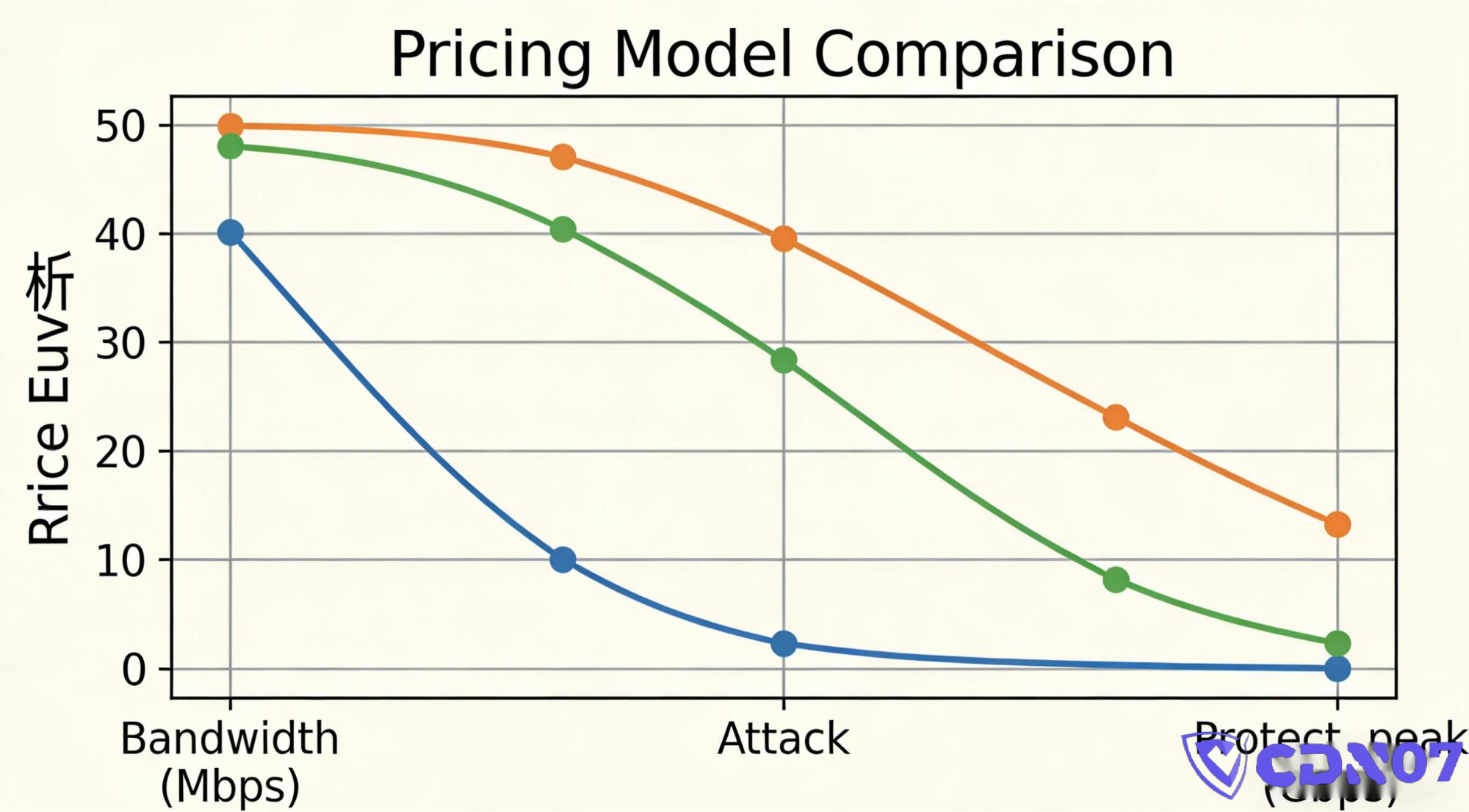
Many website owners feel the same confusion when buying DDoS protection for the first time:
Why does the price vary so wildly—by tens or even hundreds of times—for what seems like the same service: "stopping attacks"?
Some pay a few hundred a month, while others pay tens of thousands per year.
Some providers claim "you won't even feel the attack," while others demand more money the moment you get hit.
The truth is, DDoS protection pricing often feels deliberately opaque.
This article isn't written from a vendor's perspective, but from a paying customer's perspective. We'll peel back the layers to show you what you're really paying for when you buy DDoS protection.
By the end, you'll understand three key things:
- Where your money is actually going.
- Which costs are "essential" and which are "marketing fluff."
- What a reasonable budget looks like for your specific business.
1. The Bottom Line: DDoS Protection Isn't "Insurance"—It's "Reserved Resources"
Many people subconsciously think of DDoS protection as:
Pay a fee → Get bailed out if something happens.
But the reality is:
DDoS protection is essentially about reserving a pool of "anti-attack resources" in advance.
These resources include:
- Bandwidth
- Network Nodes (PoPs)
- Scrubbing Capacity
- Traffic Orchestration Systems
- Operational & Support Costs
The more you buy, the more resources the provider must reserve for you, and the higher the price. 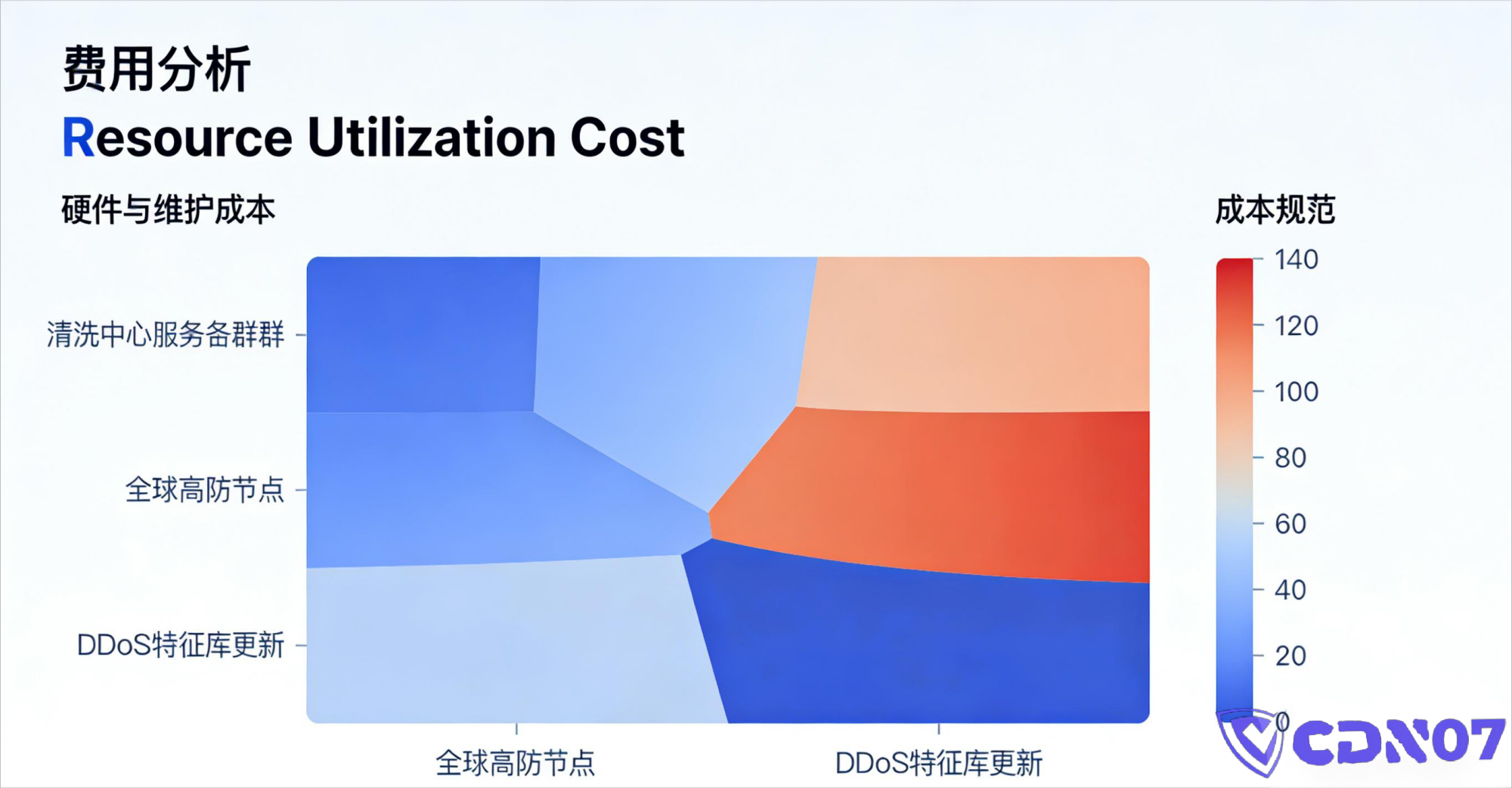
2. The Biggest Cost Driver: Bandwidth
This is the easiest to understand but also the easiest area to be misled.
1️⃣ Why is "Protection" Always Measured in Gigabits (G) or Terabits (T)?
For example:
- 100G Protection
- 300G Protection
- 1T Protection
The reason is simple:
The most direct way a DDoS attack causes damage is by saturating your bandwidth.
But here's the crucial detail:
👉 You're not buying "attack traffic"; you're buying the "capacity to absorb and swallow that traffic."
2️⃣ Where Does the Bandwidth Money Go?
Bandwidth costs include:
- Upstream ISP Peering & Transit Fees
- Data Center Egress/Port Costs
- Redundant Capacity (for spikes)
- Headroom for Peak Attacks
The provider pays for this capacity upfront—whether you're under attack or not.
So:
The foundation of your protection cost is the price of maintaining "long-term idle resources."
3️⃣ Why Does Price Vary for the Same "100G" Protection?
Because sometimes it's:
- Shared Bandwidth (You get throttled if others are hit)
- Dedicated Bandwidth (Reserved solely for you)
This is where many customers get burned:
The spec sheet says 100G, but you only get 30G of usable capacity during a real attack.
3. The Second Major Cost: Scrubbing Capacity (The Real Core)
If bandwidth is the "reservoir," scrubbing capacity is the "filtration plant."
1️⃣ What is Scrubbing Capacity?
Simply put, it's the ability to:
- Accurately identify malicious traffic
- Drop it quickly
- Avoid blocking legitimate users (false positives)
This involves:
- Specialized Hardware
- Sophisticated Algorithms
- Traffic Analysis & Rule Sets
- Real-World Attack Experience
2️⃣ Why is Scrubbing Expensive?
Because scrubbing isn't a "software toggle." It requires:
- Purpose-built Appliances/Servers
- High-Performance Computing
- Continuous Rule & Signature Updates
- A vast library of real attack patterns
In plain terms:
Effective scrubbing is built by getting hit—over and over again—and learning from it.
3️⃣ What Gets Cut in Low-Cost "Bargain" Protection?
Usually, it's the scrubbing capabilities:
- Basic, static filtering rules
- Poor detection of sophisticated CC (application-layer) attacks
- Slow or no human intervention
- High rate of false positives (blocking real users)
The result?
The attack might be stopped, but so is your legitimate traffic.
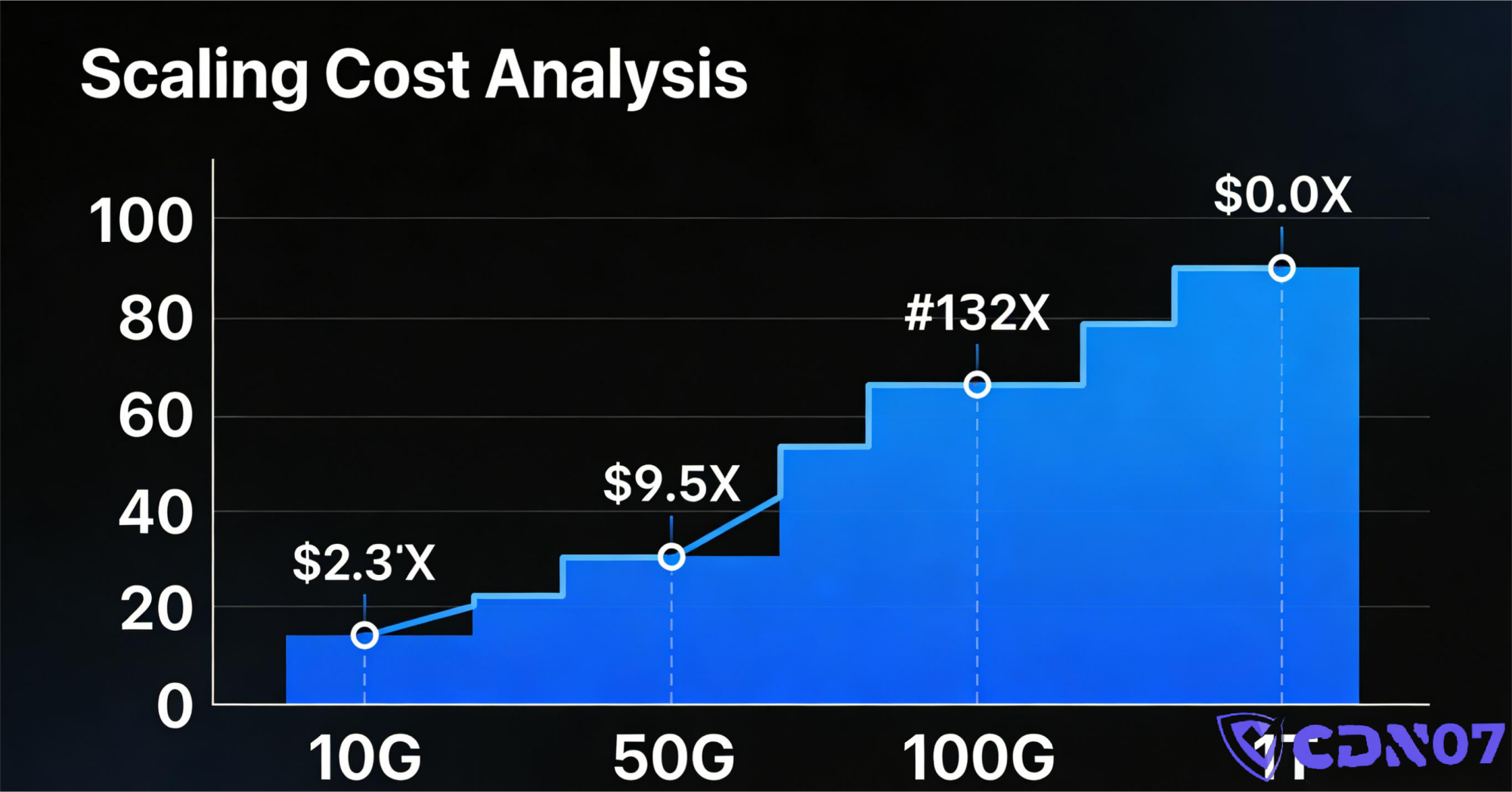
4. The Third Major Cost: Node Count & Distribution (Especially for DDoS-Protected CDN)
If you're buying a DDoS-Protected CDN, the cost structure gets more complex.
1️⃣ Why are Nodes Expensive?
Each global Point of Presence (PoP) means:
- Data Center Space
- Local Bandwidth
- Hardware (servers, routers, scrubbers)
- Local Operations & Maintenance
Nodes aren't just items on a list; they are physical infrastructure built with real money.
2️⃣ Why Do More Nodes Mean Better Protection?
Because they:
- Disperse attack traffic geographically
- Reduce load on any single point
- Make it harder for an attack to focus on one location
This is a core reason why a DDoS-Protected CDN costs more than a simple DDoS-Protected IP.
3️⃣ What Are You Really Paying For with Nodes?
Let's be honest:
You're paying for the ability to use that capacity "when others aren't."
5. Orchestration, Anycast, BGP: Are They Worth It?
Many plans boast features like:
- Anycast Routing
- Multi-homed BGP Networks
- Intelligent Traffic Steering
1️⃣ What Problems Do They Solve?
- Unstable network routes
- A single ISP link being overwhelmed
- Regional congestion or outages
Their primary value is enhanced stability and reliability, not just raw防御 power.
2️⃣ Why Aren't They Always Separate Line Items?
Because for reputable providers:
- They are part of the core network infrastructure
- Their cost is baked into the overall service price
Vendors who charge extra for them are often just itemizing for marketing purposes.
6. Human Operations & Emergency Response (The Most Overlooked Cost)
This area is often vague on quotes and proposals.
1️⃣ Is Protection Fully Automatic?
The reality is a mix:
- Large, volumetric attacks: Mostly automated.
- Complex, multi-vector attacks: Semi-automated, needs oversight.
- Targeted, sophisticated attacks: Requires expert human analysis and manual intervention.
Expertise is the most expensive resource.
2️⃣ Why Does "24/7 Support" Cost More?
It means having:
- A Security Operations Center (SOC) staffed around the clock
- Engineers on standby to adjust filters and rules instantly
- Someone who is ultimately accountable during a crisis
Cheap protection usually means:
No one is watching. You're on your own.
7. Why Do Some Providers "Charge More When You're Attacked"?
This is a major pain point for customers.
The reason is practical:
- A massive attack consumes real-time, billable resources (like extra bandwidth).
- If the attack exceeds your plan's limits, the provider incurs extra costs.
The key issue isn't necessarily the "overage fee," but rather:
Were the overage rules and costs clearly communicated upfront?
8. How Much Should You Pay? A Practical Guide by Business Type
Here’s a rough, practical pricing reference (not absolute):
✔ Basic Blog / Content Website
👉 $50 — $500 / month
✔ Small/Medium Business Website
👉 $500 — $2,000 / month
✔ E-commerce / SaaS / API-Driven Business
👉 $2,000 — $10,000+ / month
✔ Constantly Targeted, High-Risk, or Grey-Area Business
👉 $10,000+ / month as a starting point
If a provider tells you:
"A few bucks a month, and you can withstand anything."
You should be skeptical.
9. Which Fees Are Potential "Scams"?
From a customer's view, be wary of these red flags:
- "Unlimited Protection" (There's no such thing in networking)
- "Unmetered Traffic" during attacks (Ask about the fine print)
- "100% AI-Powered, Zero False Positives" (Impossible promise)
- "Theoretical Peak Capacity" (vs. guaranteed committed capacity)
A trustworthy provider will give you clear, contractual limits and rules.
10. The Final, Realistic Takeaway
If you remember one thing:
You're paying for a service to "get hit on your behalf" before the attack ever reaches you.
The cheaper you go, the more likely you are to discover during a real attack that you have:
- Insufficient resources
- Ineffective mitigation rules
- No reliable support
It's not necessarily that the provider is "bad," but that you didn't pay enough for the resources and expertise you actually needed.
FAQ:
Q1: Is expensive DDoS protection always necessary?
Not always, but your protection level should match the value and revenue of your business. Downtime is costly.
Q2: Is "pay-as-you-go" or usage-based billing fair?
It can be, but you must understand the exact thresholds and rates before an attack happens.
Q3: Why is DDoS-Protected CDN more expensive than DDoS-Protected IP?
You're paying for a globally distributed network of scrubbing nodes, better performance, and more sophisticated traffic routing, not just a single fortified IP address.
Q4: Can I just upgrade after my first attack?
Technically, yes. But the cost is often severe business disruption and lost revenue during that first attack before the upgrade is in place.
Share this post:
Related Posts
Which Websites Are a Good Fit for CDN07's DDoS-Protected CDN, and How Does It Compare with Cloudflare?
Compare CDN07 and Cloudflare for websites serving users in Mainland China, including connectivity, D...
How Much Does a DDoS-Protected CDN Cost per Month? Plans, Legitimate Traffic, and Additional Charges
The monthly cost of a DDoS-protected CDN depends on the plan allowance, legitimate traffic usage, pr...
How to Choose a DDoS-Protected CDN: Workloads, Network Connectivity, and Protection
Choosing a DDoS-protected CDN takes more than comparing mitigation capacity and monthly price. This...