

The 2026 Guide to Cost-Effective Overseas CDNs (With Real Pricing)
Trying to pick an overseas CDN without burning cash? This guide breaks down real costs, actual use cases, and which providers actually deliver value in 2026.

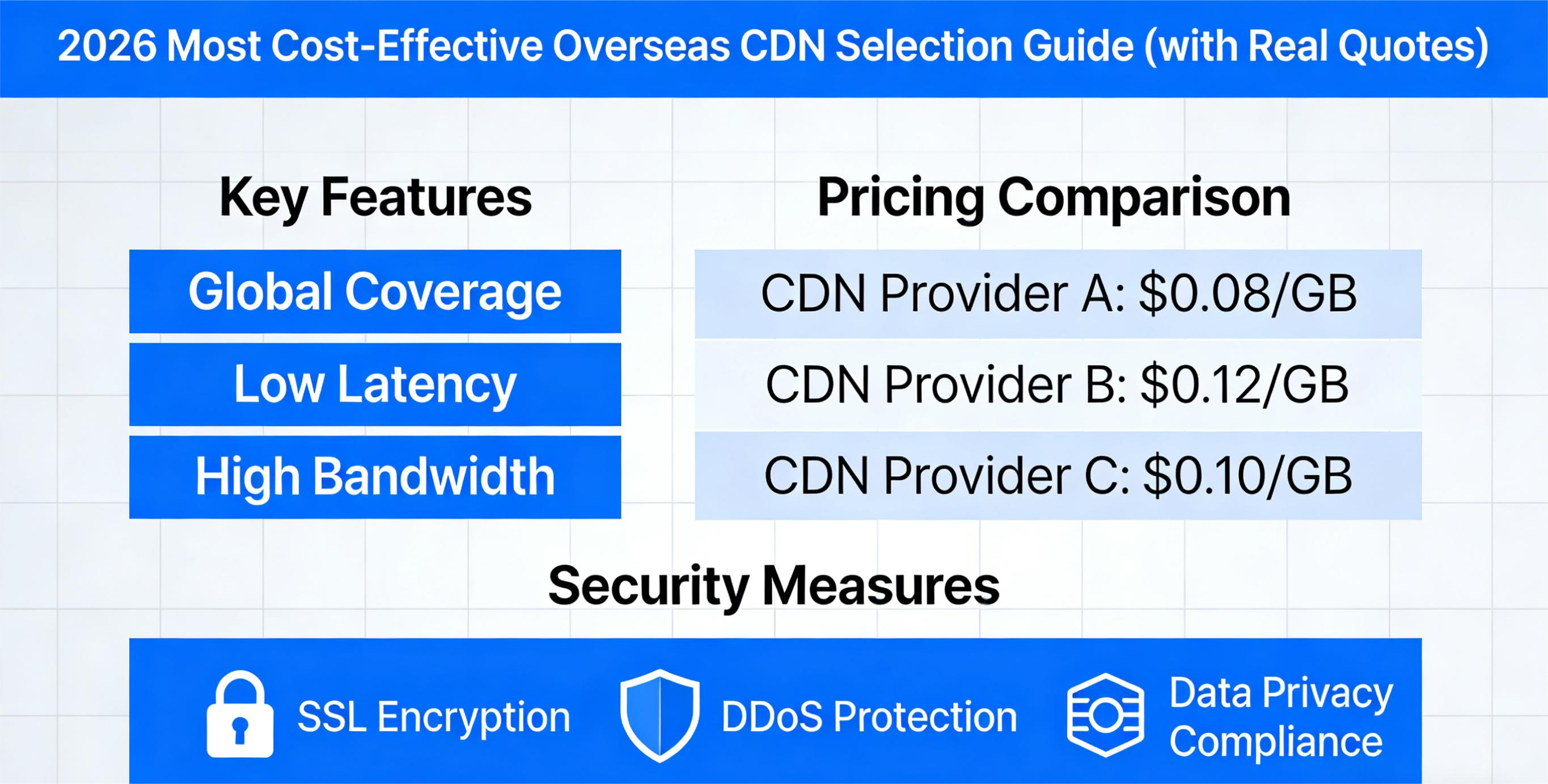
Slow load times? Users staring at a white screen. Crazy bills? Your budget is a mess. Picking a CDN feels like guessing, only to realize it’s all hype and no help.
You’re not the only one scratching your head.
After spending over a decade in network optimization and content delivery, I’ve seen teams make the same mistakes over and over. Most of them come down to one major misunderstanding: "The cheapest CDN isn’t the same as the best value CDN."
This isn’t just a list of "cheap CDNs." This guide is about how to actually figure out value, what makes sense for your specific situation, how to read those pricing pages, and where the hidden costs live. We’re also giving you real-world price ranges so you can plan a budget that doesn't blow up in your face.
1. Let’s redefine "value" right now
Most people think value means: "Finding the absolute cheapest CDN out there."
But an engineer will tell you: Value = spending the least amount of money to hit the performance and stability your business actually needs.
Here are the three things you actually need to look at:
- Money: Not just the bandwidth price tag. We're talking about your real monthly bill, API call costs, TLS handshake fees—all of it.
- Performance: Not just latency. Think cache hit ratio, where their nodes are, dynamic acceleration, and what protocols they support.
- Stability: This means attack mitigation, failover systems, scaling on the fly, and a real SLA that means something.
Here’s the thing: stability usually costs more than "a little extra speed," but it has a way bigger impact on your bottom line.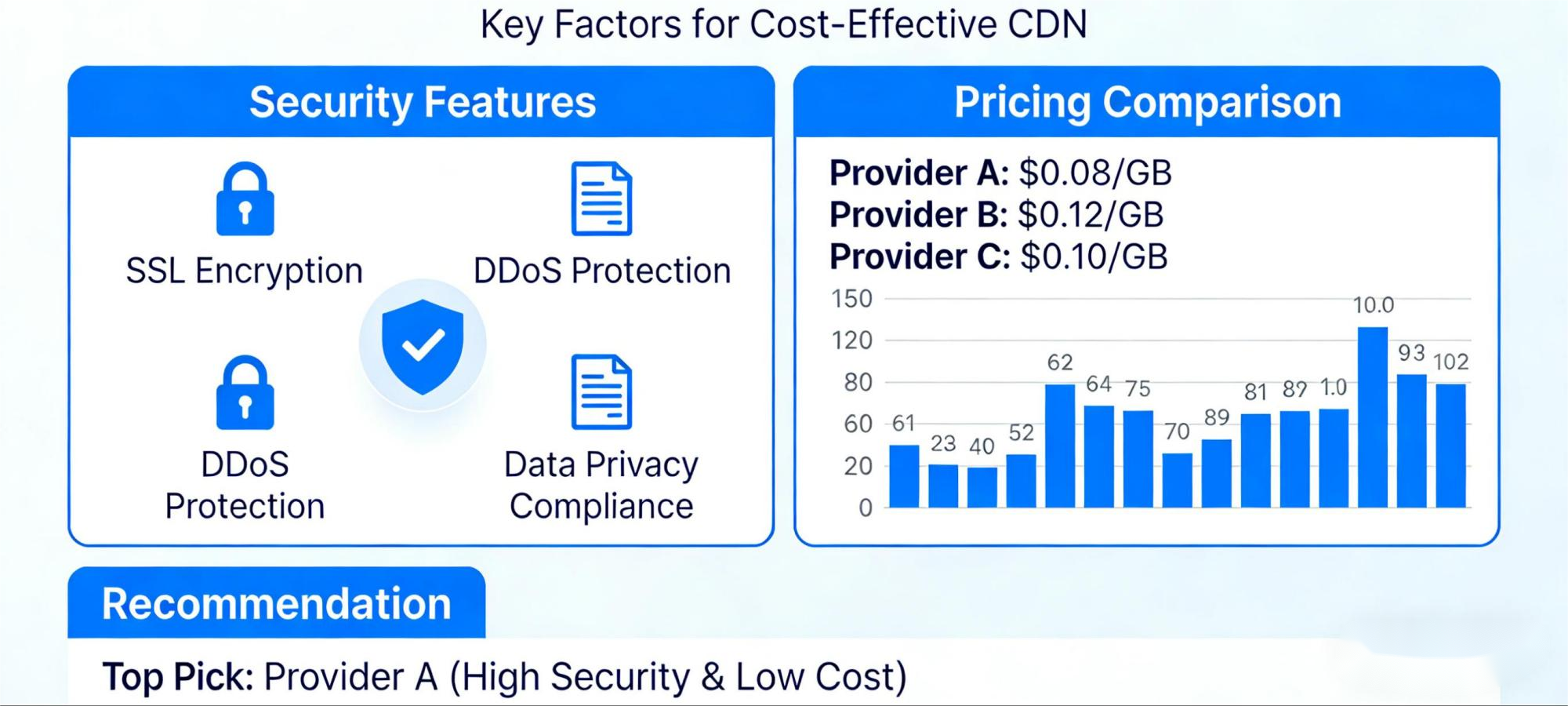
2. How are overseas CDNs actually priced?
Let’s get real about "what shows up on your bill," because if you don’t get this, you’ll never understand the real cost:
1) Bandwidth fees (Egress / data transfer)
Most CDNs charge you for the data you send out:
- Charged by the GB or TB
- Prices vary wildly depending on the region
- Peak bandwidth doesn't directly set your final bill
2) Request-based pricing
Some providers charge based on how many times you ask for something:
- HTTP GET/POST requests have their own line item
- Certain edge computing triggers can cost you more
3) Dynamic acceleration / Edge Compute
If you're using things like:
- Code running at the edge (think Lambda@Edge, Cloudflare Workers)
- Optimization for dynamic content
These are almost always extra.
4) TLS/HTTPS processing fees
Especially if your whole site is HTTPS. Lots of CDNs charge separately for TLS handshakes, certificates, or the encryption/decryption work itself.
5) DDoS protection, WAF, Bot management
If you turn on security features:
- DDoS mitigation
- Web Application Firewall
- Bot detection and blocking
This is where your bill can jump significantly.
3. Real-world pricing for popular overseas CDNs
⚠ These ranges are based on public pricing from 2026 + actual bills I've seen from clients. ⚠ Your actual costs will depend on your traffic volume, where your users are, and your contract terms (commit levels). You might pay less, you might pay more.
📌 1. Global heavyweights (Cloudflare / Fastly / Akamai)
| Item | Price Range | Notes |
|---|---|---|
| Bandwidth (US/EU) | $0.08 – $0.25 / GB | Massive global network reach |
| Request pricing | $0.005 – $0.02 / 10,000 requests | Dynamic requests cost more |
| TLS processing | $0.01 – $0.10 / 10,000 handshakes | Full HTTPS setup adds up fast |
| Edge Compute | $0.15 – $0.50 / million invocations | For using Workers/Lambda |
| DDoS/WAF | $500 – $2000 / month | Add-on security packages, complex pricing |
💡 These are for businesses with a global user base, high bandwidth needs, and complex logic at the edge. But watch out—value can drop fast as you add traffic and premium features.
📌 2. Value-focused CDNs (Bunny / StackPath / Gcore)
| Item | Price Range | Notes |
|---|---|---|
| Bandwidth (US/EU) | $0.03 – $0.12 / GB | Generally cheaper |
| Request pricing | $0.003 – $0.01 / 10,000 requests | More budget-friendly |
| TLS processing | $0.005 – $0.05 / 10,000 handshakes | Lower cost here too |
| Edge Compute | $0.10 – $0.30 / million invocations | Cheaper to run code |
| DDoS/WAF | $200 – $800 / month | Basic protection, good for most sites |
💡 These are a great fit for mid-sized businesses, content sites, and static asset-heavy projects where controlling costs is key.
📌 3. China-friendly + Global acceleration (like CDN07)
| Item | Price Range | Notes |
|---|---|---|
| Bandwidth (to/from China) | ¥0.4 – ¥1.2 / GB | Depends on the specific routes |
| Bandwidth (rest of world) | $0.05 – $0.15 / GB | Their global nodes |
| DDoS protection | ¥1000 – ¥5000 / month | Multi-layered mitigation |
| Origin optimization | Varies by setup | Private protocols, tunnels, etc. |
💡 These are built for cross-border SaaS, APIs, finance/transaction sites, and anything that needs optimized connections to and from China.
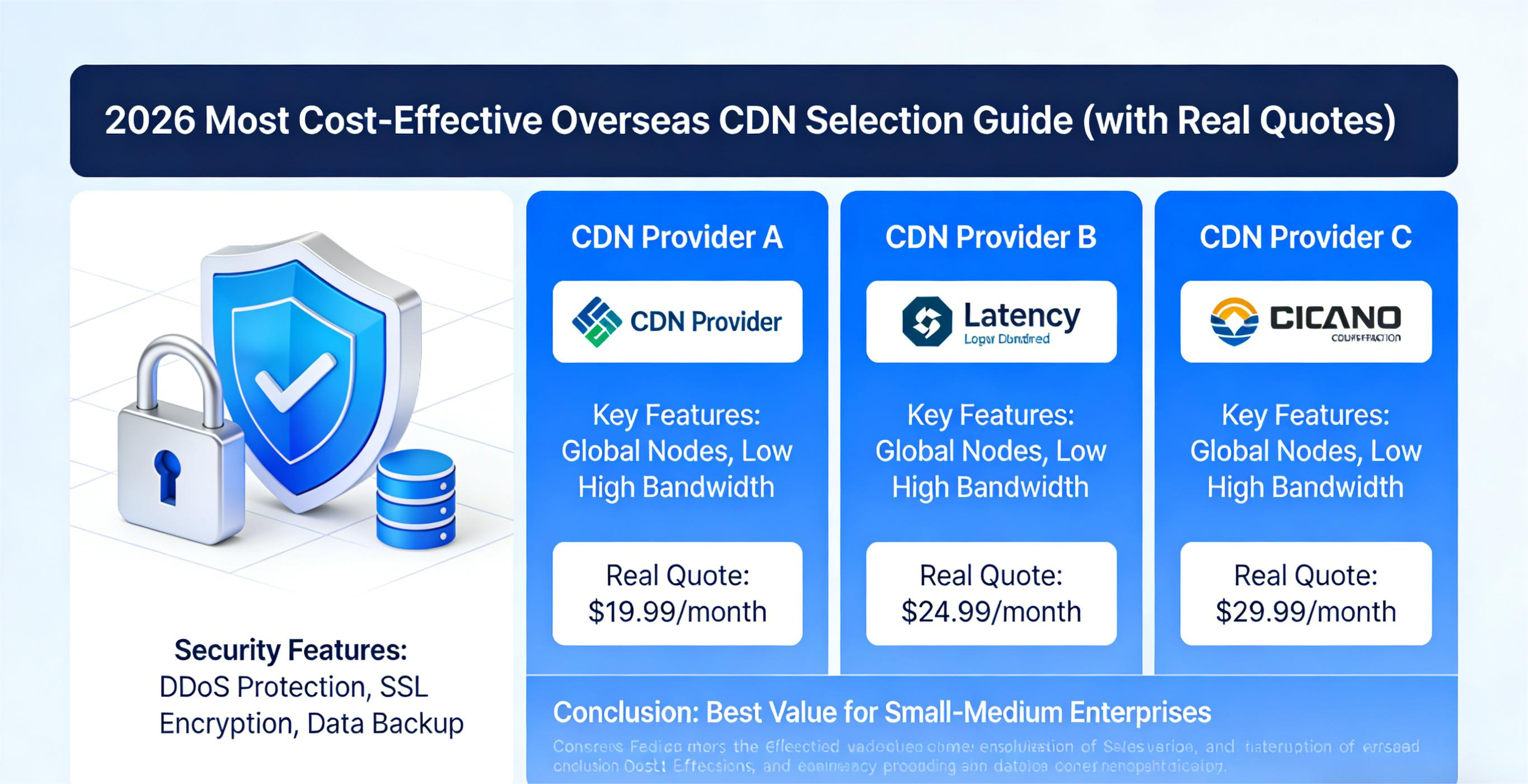
4. How to spot real value (not just a low price tag)
Here’s the "engineer’s checklist" I use for interviews, vendor selection, and audits.
✅ 1) Figure out what’s actually driving your costs
Ask yourself three things:
- Is it bandwidth?
- Is it request volume?
- Is it encryption/TLS/edge computing?
The answer changes which CDN category you should look at:
| Your biggest cost driver | Better CDN type |
|---|---|
| Bandwidth-heavy | Value-focused CDN / volume discounts |
| Request-heavy (lots of small files) | CDN with low request pricing |
| Lots of dynamic logic | CDN with strong edge compute (Workers) |
| Must-have security/Compliance | Big enterprise vendors / dedicated security |
✅ 2) Don't just stare at the per-GB price
Example: CDN A charges $0.03/GB. CDN B charges $0.08/GB.
Looks like a no-brainer, right? But what if:
- CDN A’s request fees are 5x higher than CDN B’s?
- CDN A’s HTTPS costs are through the roof?
- CDN A’s over-aggressive blocking hurts your success rate?
Suddenly, CDN A might be the worse deal.
Remember: Your real bill is the sum of all the little charges, not just one number.
✅ 3) Look at the bill after you've run real traffic
Too many people do this: Check the website price → Estimate some traffic → Sign up immediately.
The smarter way:
- Run a real traffic test for 7-14 days
- Watch your bandwidth, request count, and edge compute usage trends
- Project what that looks like for 30 days
This is the only way that actually works.
✅ 4) Don't ignore the "hidden costs"
These are the usual suspects:
- Data transfer back to your origin
- TLS handshake fees
- Cost spikes when you get attacked and protection kicks in
- Developer time spent debugging edge code
- The cost of getting actual support when you need it
They’re not on the pricing page, but they’re on your bill.
5. Matching CDN value to your specific use case
Here’s how I think about it for common scenarios:
🟡 Scenario 1: Basic static site / Marketing pages
What you need:
- Lots of static assets (images, CSS, JS)
- Mostly just serving pages
- Not a ton of dynamic API calls
Good fit:
- Value-focused CDNs (Bunny, StackPath, Gcore)
- Watch the balance between bandwidth and request fees
- Skip the expensive enterprise security features
Typical budget: $30–$200/month
🟢 Scenario 2: Global audience + API backend
What you need:
- Users all over the world
- APIs need to be snappy
- Dynamic content that hits your origin server often
Good fit:
- Large global CDNs
- CDNs with solid edge compute to cache/process API responses
- Pay attention to TLS costs and optimize your caching headers
Typical budget: $200–$800/month
🔵 Scenario 3: Cross-border SaaS / Business apps
What you need:
- Good performance for users in China
- Dynamic APIs, login, payments – can’t be slow
- Hate latency spikes
Good fit:
- China-friendly + global CDNs
- Optimized paths back to your origin (dedicated lines, tunnels)
- Consider add-on DDoS protection
Typical budget: ¥3000–¥15000/month (depends on traffic and security needs)
🔴 Scenario 4: High-risk business (Finance/Gaming/Transactions)
What you need:
- Constant attack target
- High concurrency, real-time responses
- Need a real SLA and serious DDoS protection
Good fit:
- Enterprise-grade security CDNs (Cloudflare Enterprise, Akamai, specialized DDoS vendors)
- WAF + bot management + 24/7 support
- Multi-region redundancy with automatic failover
Typical budget: $2000+/month (SLA and protection level are the main drivers)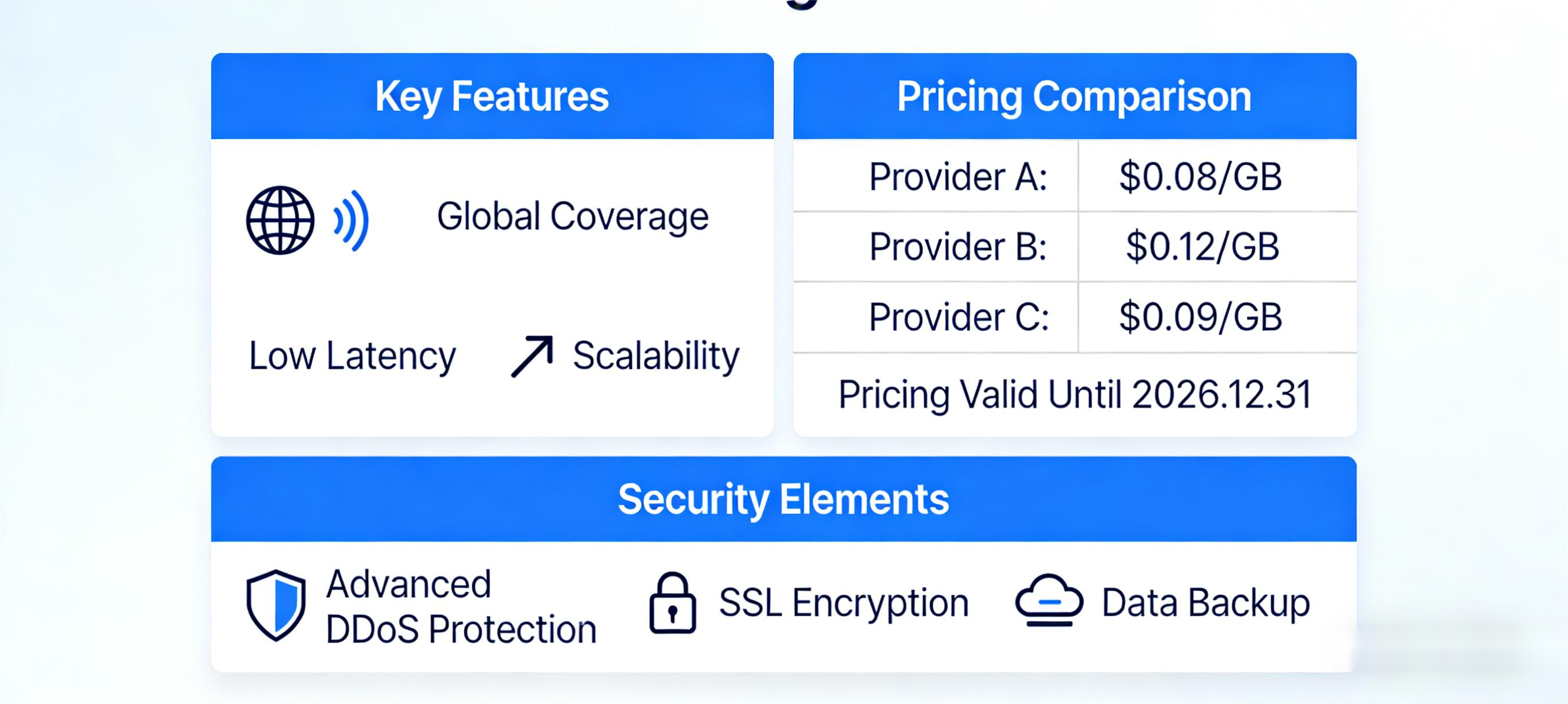
6. A quick checklist for picking value
Here’s my thought process when I’m choosing an overseas CDN:
🧠 Step 1: Identify your pain point
Is bandwidth your biggest cost? Requests? Edge compute?
🧠 Step 2: Set your budget range
Lock in your approximate monthly spend first, then compare pricing structures within that bracket:
- $0–$200
- $200–$800
- $800–$5000
- $5000+
🧠 Step 3: Test with real traffic for 7-14 days. It beats any pricing calculator.
🧠 Step 4: Watch the trend over 3 months, not just month one. A lot of CDNs have tiered pricing or thresholds that only show up after a few billing cycles.
7. Three pricing traps I see all the time (avoid these)
❌ Trap 1: Chasing the lowest unit price
This is the classic. A low per-GB price often just means they're making money somewhere else on your bill.
❌ Trap 2: Comparing bandwidth prices but ignoring the pricing model
One CDN might have cheap bandwidth but charge a fortune for requests or TLS.
❌ Trap 3: Assuming "good security" is always crazy expensive
Not true. What’s expensive is paying for security features you literally never need.
8. The bottom line:
Here’s the simplest way to put it: The best value isn’t the lowest price on a website. It’s the one that solves your specific business problems for the least total cost.
A cheap CDN can make your life hell later. An expensive one might be overkill for what you actually do.
The question you should be asking:
👉 Will this CDN keep my business running smoothly in the critical moments, and can I predict what it's going to cost me next month?
If the answer is yes, that’s your real value pick.
Share this post:
Related Posts

Why Online Card and Board Games Need an SDK-Based Game Shield for DDoS Protection
Online card and board games face persistent security risks, including DDoS attacks, HTTP floods, che...

How CDN07 Improves Access from Mainland China to International Financial Platforms
CDN07 uses intelligent routing, dynamic acceleration, WebSocket optimization, DDoS scrubbing, and or...

Website Loading Slowly? A CDN May Be the Simplest Fix
Slow website performance is a common problem, especially when visitors are widely distributed, acces...