

Blocked Domain Name? The Ultimate Guide to Recovery, Workarounds & Long-Term Stability for Webmasters
A blocked domain doesn't mean it's over. This guide explains the real reasons, actionable recovery steps, effective alternatives, and a stable long-term architecture to get your site back online and break the cycle of repeated blocks.

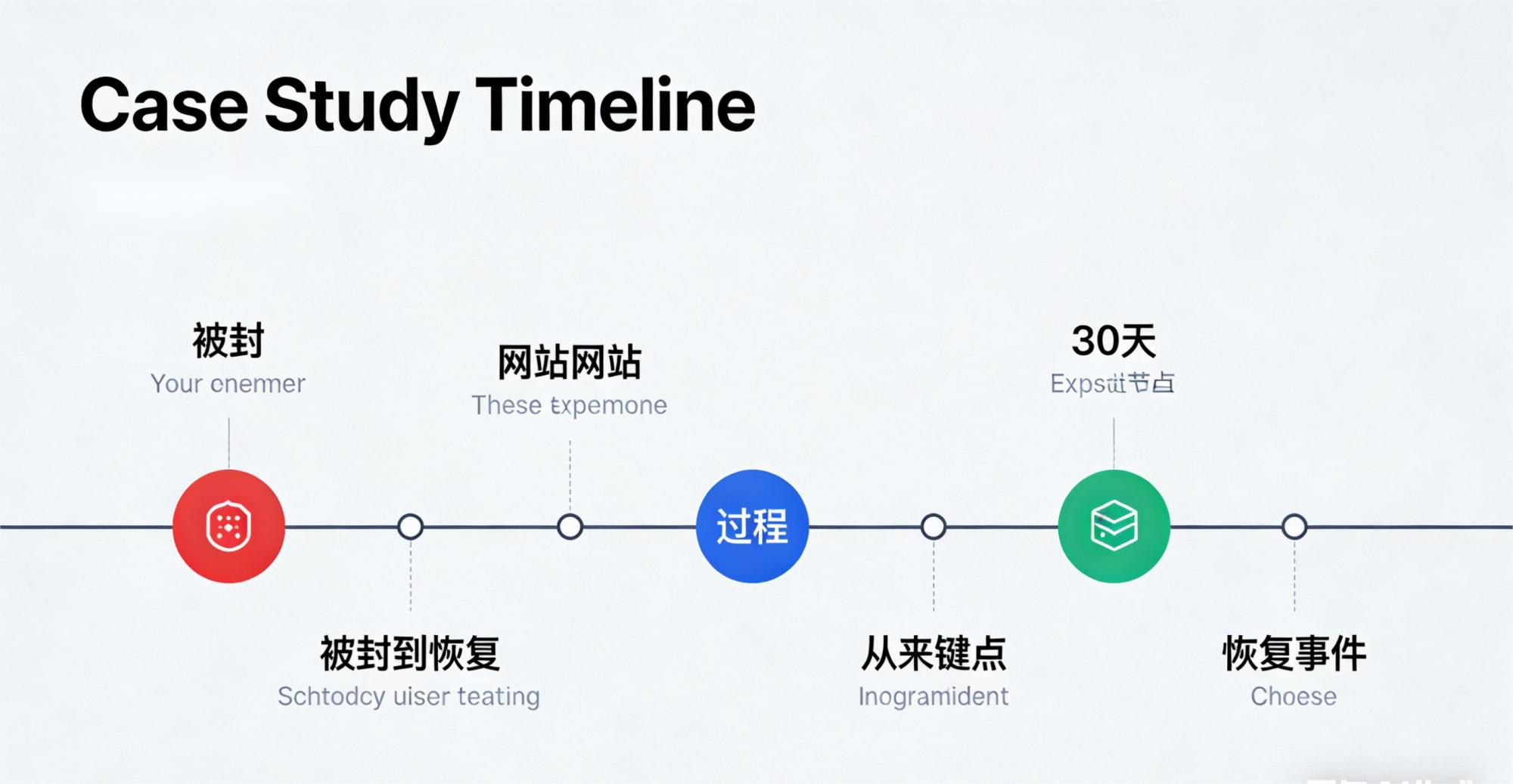
Many website owners have faced that day—
Your site is running fine. No redesign, no migration, no sensitive content posted. Then suddenly, it's inaccessible.
It's not a server crash. It's not an expired subscription. It's this:
Your domain name has been blocked / firewalled.
Traffic from certain regions vanishes into a black hole. All speed tests fail. Changing your CDN or DNS does nothing.
Worse, many webmasters can't tell if it's a "firewall block," "ISP throttling," or "DNS poisoning"—they just watch their traffic drop to zero.
In this article, from the perspective of a technical engineer and hands-on webmaster, I'll clarify:
- Why do domains get blocked? What's actually happening behind the scenes?
- Can a blocked domain be recovered? How do you know if it's salvageable?
- Which methods are useless? Which ones actually work?
- How can webmasters of cross-border sites, content platforms, e-commerce stores, and web tools avoid repeated blocks?
- Finally, I'll provide a long-term, resilient architecture to prevent future issues.
This is an unavoidable topic for site owners. I hope you'll read through it carefully.
1. What Actually Happens When a Domain Gets Blocked?
The most common question webmasters ask is:
"Why would my small site get targeted?"
The truth is: 99% of domain blocks aren't manual "targeting"—they're triggered by automated systems.
Common triggers fall into just four categories:
1. DNS Resolution is Flagged as "Suspicious"
For example:
- The domain resolves to a high-risk overseas IP address.
- It points to data centers known for hosting "non-compliant" services.
- Frequent DNS record changes.
- Use of certain IP ranges under heavy monitoring.
- 301 redirects pointing to other blocked services.
This is the most common cause.
After a DNS-layer trigger, you'll typically see:
- ISP hijacking
- Incorrect IPs being returned
- Complete lack of response
This results in the classic "DNS looks fine but the site won't load" scenario.
2. Website Content or Redirect Behavior Triggers a Filter
It's not always about your content being non-compliant. Sometimes it's:
- A user sharing your link triggers an automated scan.
- The site gets reported.
- Your site contains "overseas redirects" or specific landing page behaviors.
- Hidden spam links are injected into your site.
- Certain JS scripts loading suspicious URLs.
Put bluntly, even if your site did nothing wrong, someone maliciously linking to you can trigger a block.
3. Abnormal Traffic Patterns (The Most Hidden Cause)
Some filtering systems monitor behaviors like:
- Sudden, massive traffic spikes.
- High-volume access to your non-localized site from a specific region.
- Large amounts of HTTPS traffic with abnormal SNI patterns.
- Overly complex reverse proxy chains.
This category most often leads to false positives against legitimate sites.
4. Your CDN / IP Range is the Problem (You Get "Blocked by Association")
For instance:
- Other users on your DDoS-protected CDN get blocked.
- Your IP range is flagged as a source of "malicious traffic."
- Abnormal attack volumes from your server's data center.
- A CDN node is spot-checked and deemed high-risk.
Here's what many webmasters don't know:
In 80% of cases, it's not your domain that's blocked, but the IP range it's on.
That's why simply changing your DNS A record sometimes fixes it instantly.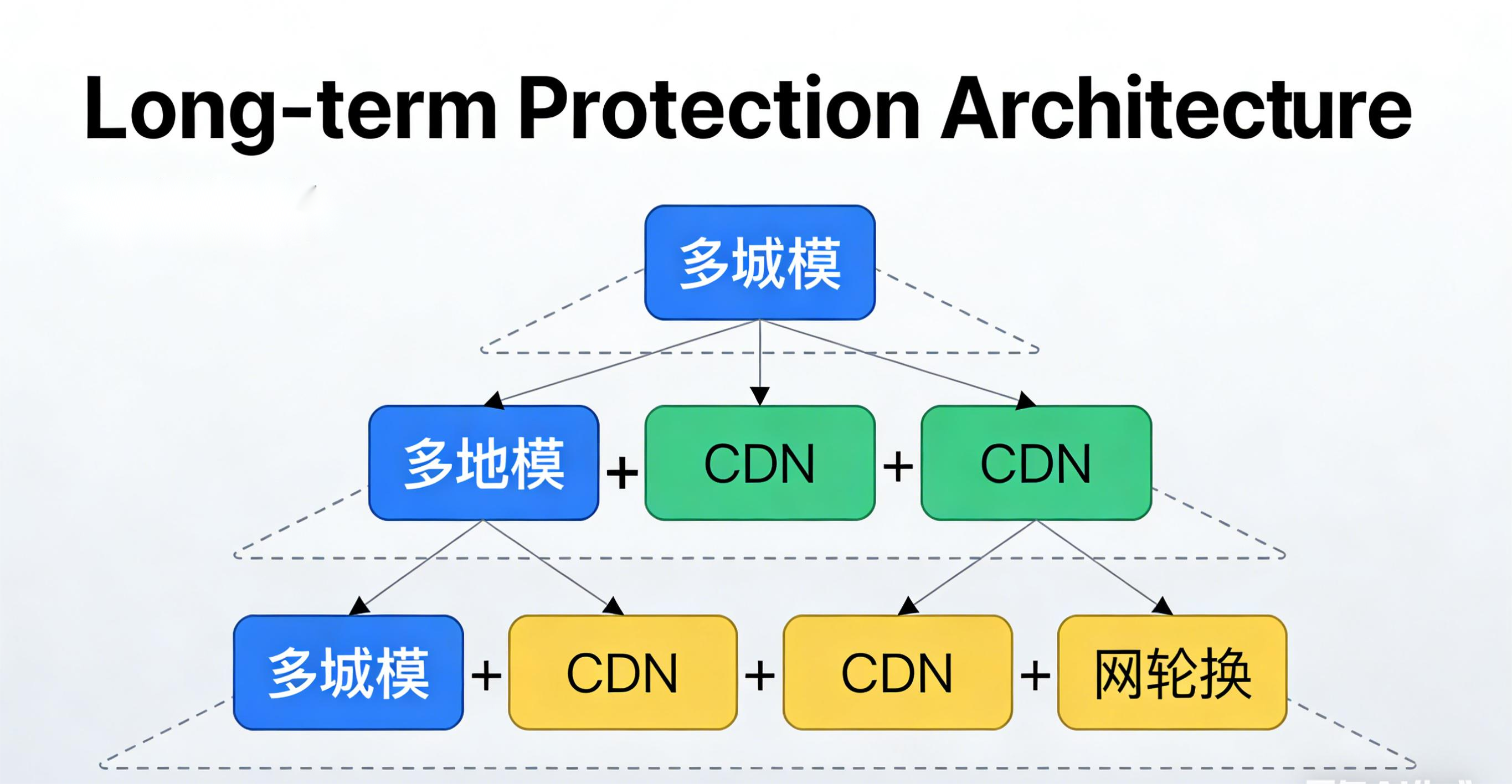
2. How to Diagnose "Is It Really a Firewall Block?"
Misdiagnosis leads to wasted effort. Follow this quick diagnostic path.
Step 1: Multi-Location Ping / Dig Tests (From Inside the Region)
Use tools like:
- ping.chinaz.com
- dug.io
- IPIP
- Cloudflare Radar
Interpretation:
- Access works outside the region, but times out from all points inside → High probability of a firewall block.
- Access works outside, spotty/unreliable from inside → Possible local ISP throttling/blocking.
- dig returns strange, incorrect IPs → Likely DNS poisoning.
Step 2: Change Your DNS A Record to a Brand New IP & Re-Test
If access is restored within 5 minutes of changing the IP:
Congratulations. Your domain isn't blocked—your IP is.
This is the easiest scenario to recover from.
Step 3: Change Your DNS Provider (Important)
If a new IP doesn't work, change your authoritative DNS nameservers. Try:
- Cloudflare DNS
- DNSPod
- Bunny DNS
- 08Host (popular among webmasters)
If changing DNS providers still doesn't fix it → The block is likely at the domain level.
Step 4: HTTP + SNI Tests from Inside the Region
If you encounter:
- TLS handshake failures
- SNI probes being immediately reset (TCP RST)
This indicates a deep packet inspection (DPI) / firewall-level block, which is harder to bypass.
3. Can a Blocked Domain Actually Be Recovered?
Blocks have different severity levels, each with different recovery odds:
Level A: IP Range Block (80% of cases) — 100% Recoverable
Change your IP → Instant fix.
Change your CDN provider → Instant fix.
Change your DNS record → High chance of recovery.
Most common and easiest to handle.
Level B: Temporary Block (Content-Triggered) — ~50% Recoverable
Symptoms:
- Access works for some ISPs but not others.
- Access mysteriously returns after a few days.
Actions:
- Clean up potentially triggering content.
- Switch CDN nodes.
- Change DNS.
- Wait 7–14 days.
Recovery is possible but involves some luck.
Level C: Permanent DNS Poisoning / Domain Blacklist — Nearly Impossible to Recover
Symptoms:
- Changing IP has no effect.
- Changing DNS has no effect.
- DNS responses are consistently hijacked/poisoned within the region.
- TLS connections are instantly reset.
In this case, you typically have two choices:
Change your domain name, OR implement a resilient anti-censorship architecture (keep using it via a different entry point).
I'll explain how to "keep using a domain without exposing it" later.
4. The Step-by-Step Recovery Process for a Blocked Domain
Follow this standard recovery path to avoid random, ineffective attempts.
Step 1: Immediately Switch to a Brand New IP (Different ASN)
Key points:
- Don't switch to an IP in the same subnet/range.
- Avoid sensitive Hong Kong data centers if targeting certain regions.
- Don't immediately use a free/public Cloudflare IP (high re-trigger risk).
Recommended strategy:
- Switch to an Anycast DDoS-protected CDN (like CDN07, 08Host, Bunny, or Gcore).
- Or, move directly to a fresh overseas ASN (Japan, Singapore, North America).
This step alone recovers 80% of sites.
Step 2: Change Your DNS Provider & Flush Old Records
This includes:
- NS (nameserver) records
- A/AAAA records
- Old CNAME records
Force the use of new resolution. Set the new TTL to 60 seconds.
Step 3: Separate "Entry Domain" from "Business Domain"
The biggest mistake many webmasters make:
Exposing their primary business domain directly to end-users for access.
The correct approach:
- Primary Domain (never exposed publicly for direct browsing)
- Entry Subdomain(s) (the public-facing URLs; easily replaced if blocked)
Entry domains can be:
- cdn.yourdomain.com
- static.yourdomain.com
- img.yourdomain.com
The primary domain handles business logic (API, database, auth) but is never accessed directly by users.
If an entry domain gets blocked, you replace it. Your core site remains untouched.
Step 4: Audit All Content, Scripts, and Landing Pages
Pay special attention to:
- Analytics scripts
- Third-party JS libraries
- External ad codes
- Redirect behaviors
- Spam/bot traffic patterns
Any one of these triggering an automated system can cause a block.
Step 5: Wait 3–30 Days and Re-Test
Many webmasters don't know this:
A domain block isn't always permanent. A significant portion are automatically lifted after a period.
This is especially true for Level B (temporary) blocks.
General timeline:
- 3 days: For very light/accidental triggers.
- 7–14 days: For most temporary blocks.
- 30 days: If it's not recovered by then, assume it's permanent.
If it's still blocked after 30 days → Consider the domain effectively dead for that audience.
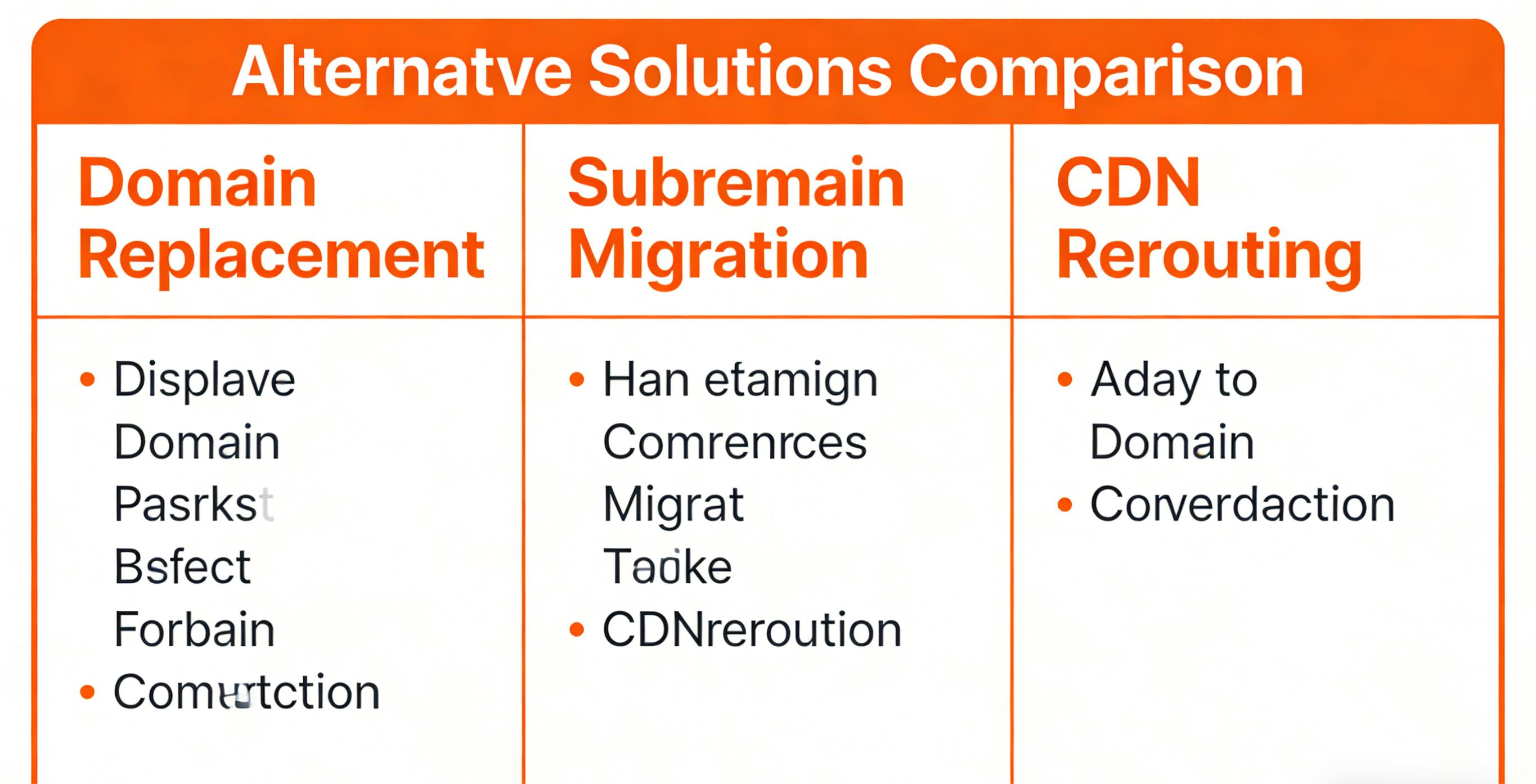
5. Practical Alternatives After a Domain Block
You don't have to abandon your domain or just wait. Here are practical, survivable strategies.
Option 1: Use an "Entry Domain Pool" with Automatic Rotation (Most Efficient)
Method:
- Prepare 3–10 subdomains in advance.
- Use a service like CDN07, Bunny, or Cloudflare Workers to automatically rotate or load-balance traffic between them.
- If one entry domain gets blocked, the system automatically fails over to the next.
Characteristics:
- Primary domain remains completely hidden.
- Blocking an entry domain has zero impact on service.
- Lowest cost, highest stability.
- Enables "always-online" resilience.
~80% of major cross-border platforms use a version of this.
Option 2: Use an Overseas Anycast DDoS-Protected CDN (Hides Origin)
Advantages:
- Your real server IP is never exposed.
- Your true origin server is hidden.
- Origin-pull communication can use private protocols/ports.
These IP ranges are often "cleaner" and have a lower trigger rate.
Examples:
- CDN07
- 08Host
- Gcore
- Akamai
- Cloudflare Spectrum (powerful but expensive)
Suitable for medium-to-large scale operations.
Option 3: Hide Origin + Isolate Origin SNI
Method:
- Host your origin server on a private network or non-standard port (not 443).
- Configure your CDN to use a custom Host header for origin pull.
- Make the origin server inaccessible from the public internet.
Benefits:
- Even if the entry domain is blocked, your origin server's IP remains safe.
- Also protects against scans and direct attacks.
Extremely stable long-term.
Option 4: Use a "Domainless Access" Architecture (Good for Apps / APIs)
Examples:
- IPFS Gateway
- DNS-over-HTTPS (DoH) / DNS-over-TLS (DoT) relays
- Direct IP connection + Encrypted SNI (ESNI)
- TLS fingerprint obfuscation
- Hiding Host headers (H2/QUIC)
Suitable for tools, accelerators, and API-based services.
Option 5: Switch to "Clean" Country Nodes
Risk ranking (lower to higher trigger probability for certain filters):
- Singapore (relatively safe)
- Japan (safe)
- South Korea (stable)
- United States (depends on ASN)
- Hong Kong (VERY high trigger rate)
Hong Kong is, by far, the region most likely to trigger blocks. Nine out of ten webmasters have learned this the hard way.
6. Long-Term Solution: Building an Architecture That Won't Get Blocked (Again)
For long-term stability and to avoid repeat blocks, follow this single principle:
"Never let your real business domain be directly accessed by end-users."
Here's the specific architecture:
① Primary Domain (Not Exposed)
Used only for:
- OAuth / SSO
- Login systems
- Backend APIs
Never publicly linked or used for direct site access.
② Entry Domain Pool (Replaceable & Expendable)
Can be instantly discarded if:
- Traffic spikes abnormally.
- It comes under attack.
- It gets blocked.
③ Anycast DDoS-Protected CDN (Scrubbing + WAF + AI Rules)
Purpose:
- Blocks junk/scanner traffic before it reaches you.
- Uses "clean" IP ranges with lower block risk.
- Global nodes prevent single-point failure.
④ Private Origin Server (CDN-Only Access)
The origin server is never exposed to the public internet. Only the CDN's specific nodes can reach it via a private tunnel or strict firewall rules.
Even if someone finds an entry domain, they can't trace or attack your origin.
⑤ Automated Monitoring System (Entry Domain Health Checks)
Continuously monitors entry domains. If any show:
- DNS resolution failures from key regions.
- HTTP/HTTPS timeouts.
- TLS handshake failures.
- Increased TCP RST packets.
The system automatically fails over to the next healthy entry domain in the pool.
This is how major cross-border sites operate:
"They can block our domains all they want. Our service stays online."
7. A Blocked Domain Isn't the End of the World
Dealing with a blocked domain is a rite of passage for webmasters.
Those who get repeatedly blocked usually make these two mistakes:
- Exposing their primary domain directly.
- Putting all their eggs in one basket (a single entry point).
Treat your entry domains as "replaceable parts," and your architecture becomes resilient.
Remember:
- A blocked domain ≠ The end of your business.
- Many blocked domains recover on their own in 3–14 days.
- The real solution is "Don't expose your primary domain to the filtering mechanisms."
- Entry domains should be swappable at a moment's notice.
- Using Anycast DDoS protection + clean IP ranges significantly reduces trigger risk.
You don't need to "fight" being blocked. You need to make it "irrelevant" to your operation.
A mature webmaster doesn't rely on any single domain. They rely on a stable, redundant architecture.
FAQ (What Webmasters Ask Most):
Q1: When should I use automated monitoring?
A: Activate it when you see sudden traffic drops, user reports of inaccessibility, abnormal SEO indexing, or regional access issues. It helps quickly diagnose if it's a DNS, IP, or TLS/SNI problem.
Q2: Can automated detection guarantee a "block"?
A: No single test is 100% conclusive. But combining DNS resolution checks, multi-point HTTP/TLS probes from inside the region, SNI testing, and traceroute can pinpoint with high accuracy whether it's an "IP range block," "DNS poisoning," or "local ISP throttling/hijacking."
Q3: When should I just change my domain name?
A: When changing IPs, DNS providers, and CDNs multiple times over 7–30 days has no effect, and traffic from the region still shows packet loss or hijacking, your domain is likely on a blacklist. It's time to activate a backup domain or your entry domain pool.
Q4: Where's the best place to run monitoring scripts?
A: Run them from multiple networks (at least one node outside the region and one inside, e.g., a cloud server + a VPS). Or use third-party site monitoring (Pingdom, UptimeRobot, self-hosted Upptime). Single-point detection leads to false positives.
Q5: What are good alert methods?
A: Simple: Email, Slack/Telegram/Webhook alerts. Advanced: Feed status into a monitoring system (Prometheus + Alertmanager / Grafana) and combine with automated recovery policies (e.g., auto-switching entry domains, auto-updating DNS).
Q6: How to avoid false alarms?
A: Use rules like "trigger only after N consecutive failures spaced T seconds apart." Combine with multi-point probing (e.g., require failures from 3 separate nodes inside the region before alerting). This avoids alerts from temporary network glitches.
Appendix: A Script for Detecting Blocks
Quick Troubleshooting Script (bash) – A Handy Tool for Webmasters
Save as check_blocked.sh, make executable with chmod +x check_blocked.sh, run ./check_blocked.sh example.com.
How to Use & Interpret:
- Run it once locally, then run it again on a VPS outside the region (Singapore/Japan/US). If it works perfectly outside but fails completely locally, it's a strong indicator of a block/poisoning.
- If switching your site's IP immediately restores access, the problem was likely an IP or ASN block.
Share this post:
Related Posts

How to Choose a DDoS-Protected CDN for Mainland China: Speed and Security Guide
How can websites hosted overseas improve access from Mainland China without compromising DDoS protec...

What to Do When Your Website Is Slow: A Practical Guide to Troubleshooting DNS, TTFB, and Resource Loading
Why is your website slow to load? This guide walks through DNS resolution, connection setup, TTFB, i...

Why Online Card and Board Games Need an SDK-Based Game Shield for DDoS Protection
Online card and board games face persistent security risks, including DDoS attacks, HTTP floods, che...